
Company settings
Company settings hold the details that apply to your whole account rather than to one user. Your own name and preferences are separate, under Account settings.
Where to find it
Section titled “Where to find it”Admin → Company Settings. The whole Admin section is hidden from company_staff.
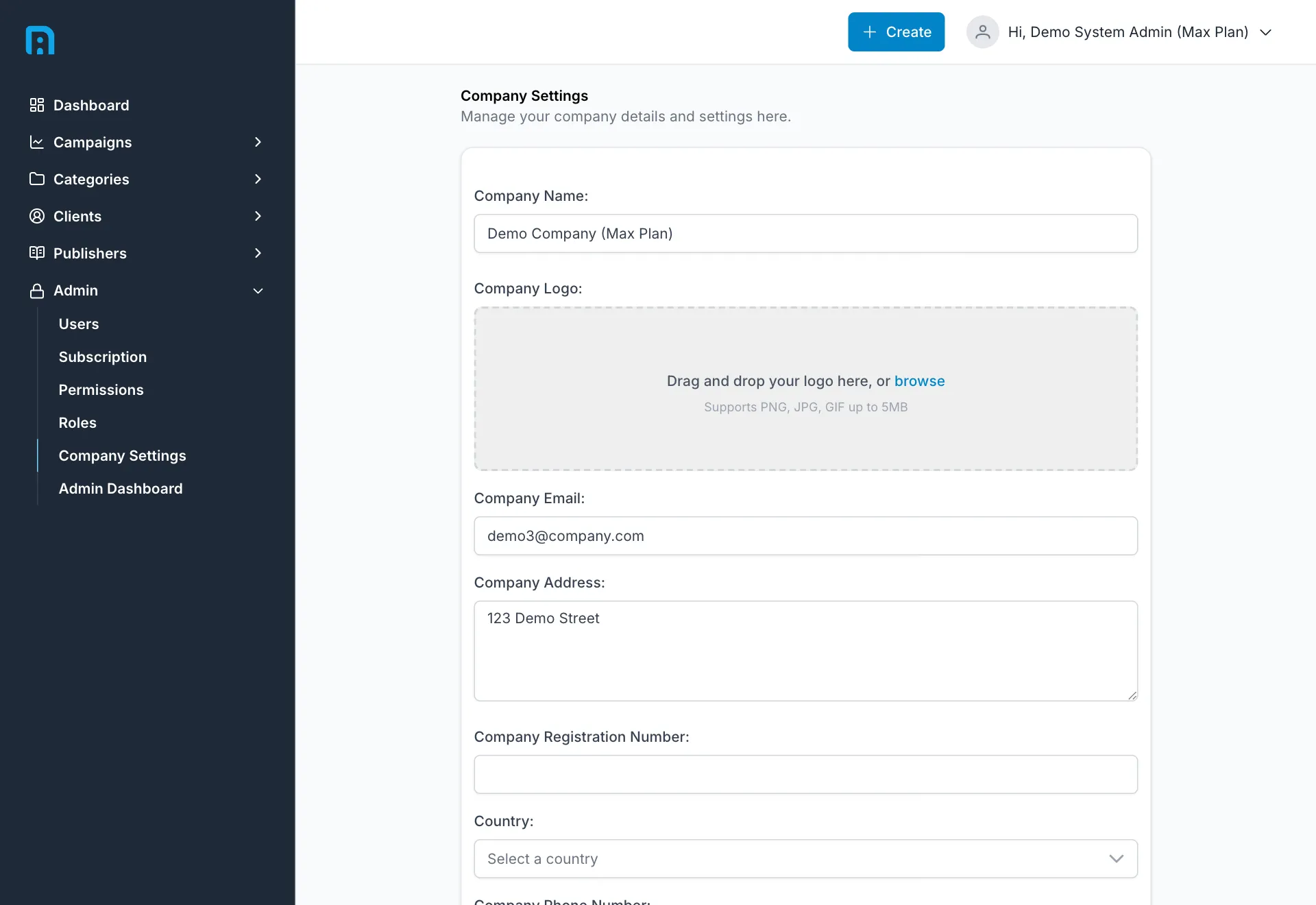
The fields
Section titled “The fields”| Field | Required | Notes |
|---|---|---|
| Company Name | ✅ | Your company as it appears throughout the app. Must be unique — see below |
| Company Logo | — | Drag and drop, or browse. PNG, JPG or GIF up to 5 MB |
| Company Email | ✅ | The general contact address for the company, not a personal login. Must be unique — see below |
| Company Address | — | Free text, multi-line |
| Company Registration Number | — | Your official registration number, where you have one |
| Country | — | |
| Company Phone Number | — |
Click Save Changes to apply.
These are the same details captured during onboarding — see Getting started. Changing them here updates them everywhere.