
Publishers
A publisher is a content creator — a KOL, influencer or partner channel — whose published content you track. Deliverables are attributed to a publisher, and InsightsRN needs that publisher’s authorisation before it can read any metrics for them.
Publishers are company-scoped: you only ever see your own company’s.
The publisher list
Section titled “The publisher list”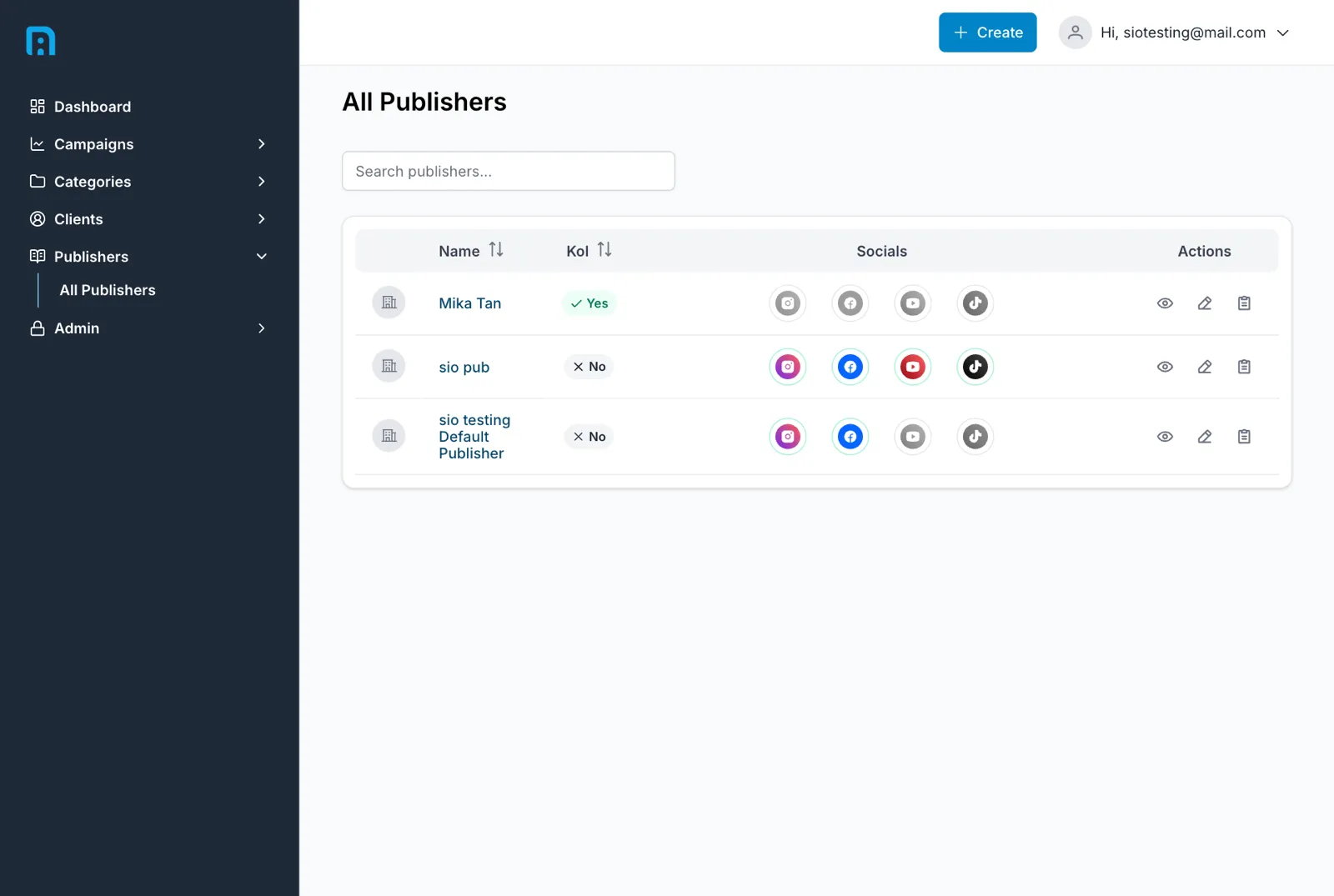
Publishers → All Publishers shows every publisher with:
| Column | Meaning |
|---|---|
| Name | The creator’s name |
| Kol | Yes/No — whether they are flagged as a Key Opinion Leader |
| Socials | One icon per platform — full colour when connected, greyed out when not |
The Socials column is the one to watch. A greyed-out platform icon means that account is not connected, so nothing on it can be crawled and its deliverables will quietly stop gaining data.
Creating a publisher
Section titled “Creating a publisher”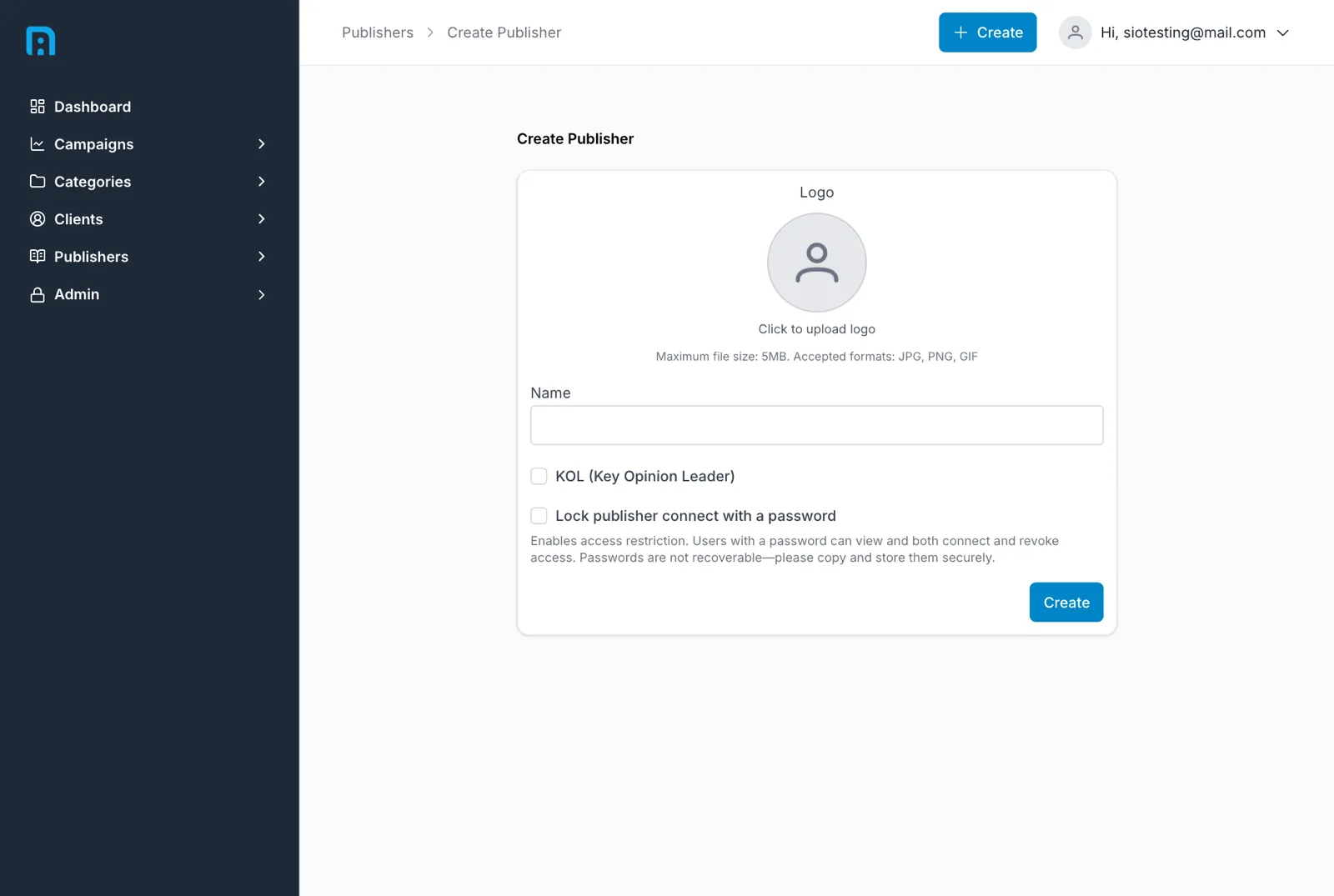
| Field | Required | Notes |
|---|---|---|
| Logo | — | Optional. Without one, the publisher shows a generic icon |
| Name | ✅ | The creator’s name, as it should appear on campaigns and reports. Must be unique within your company |
| KOL (Key Opinion Leader) | — | A flag for your own filtering and reporting. It does not change what InsightsRN collects |
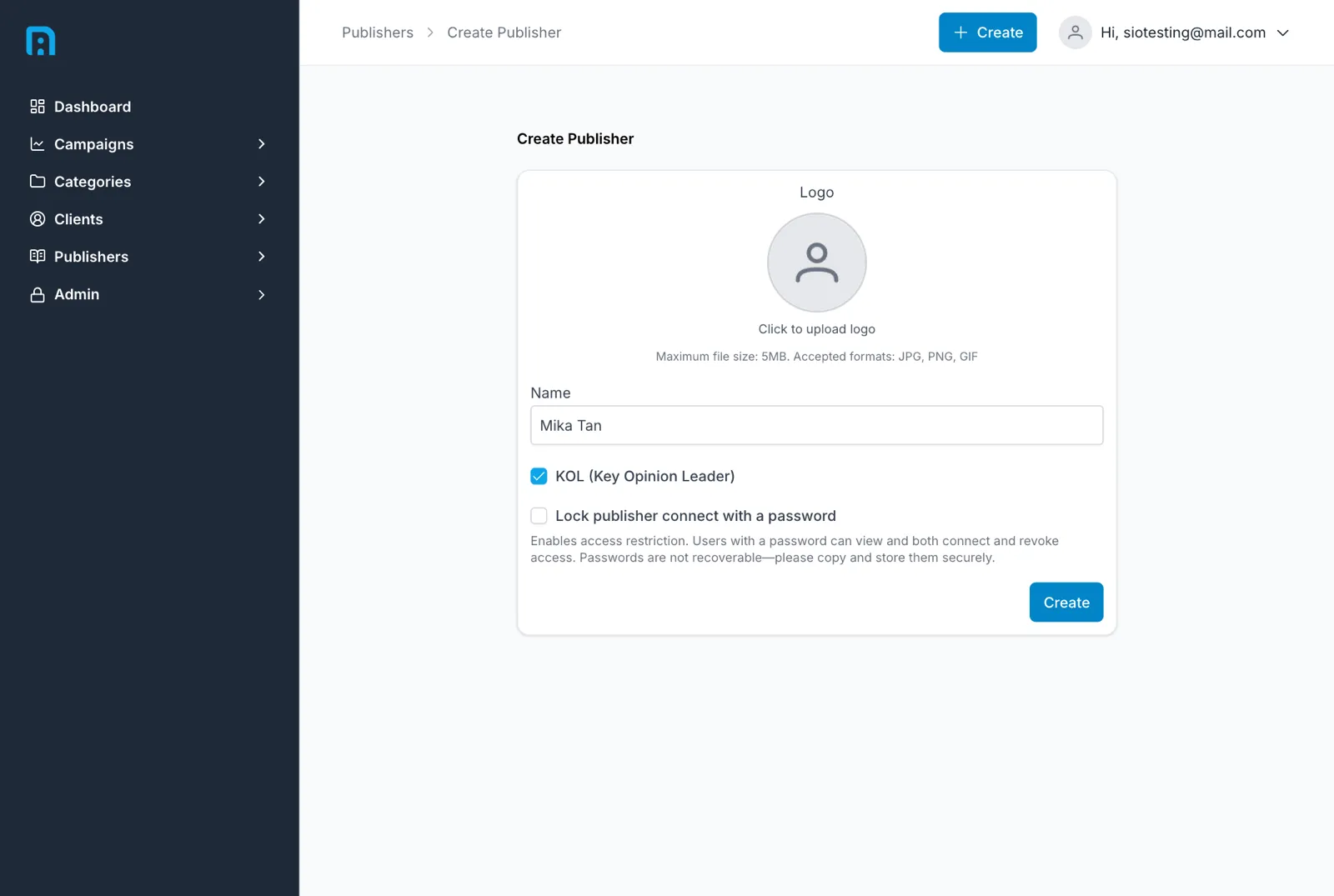
| Lock publisher connect with a password | — | See below |
Locking the connect link with a password
Section titled “Locking the connect link with a password”Ticking Lock publisher connect with a password reveals a Password field.
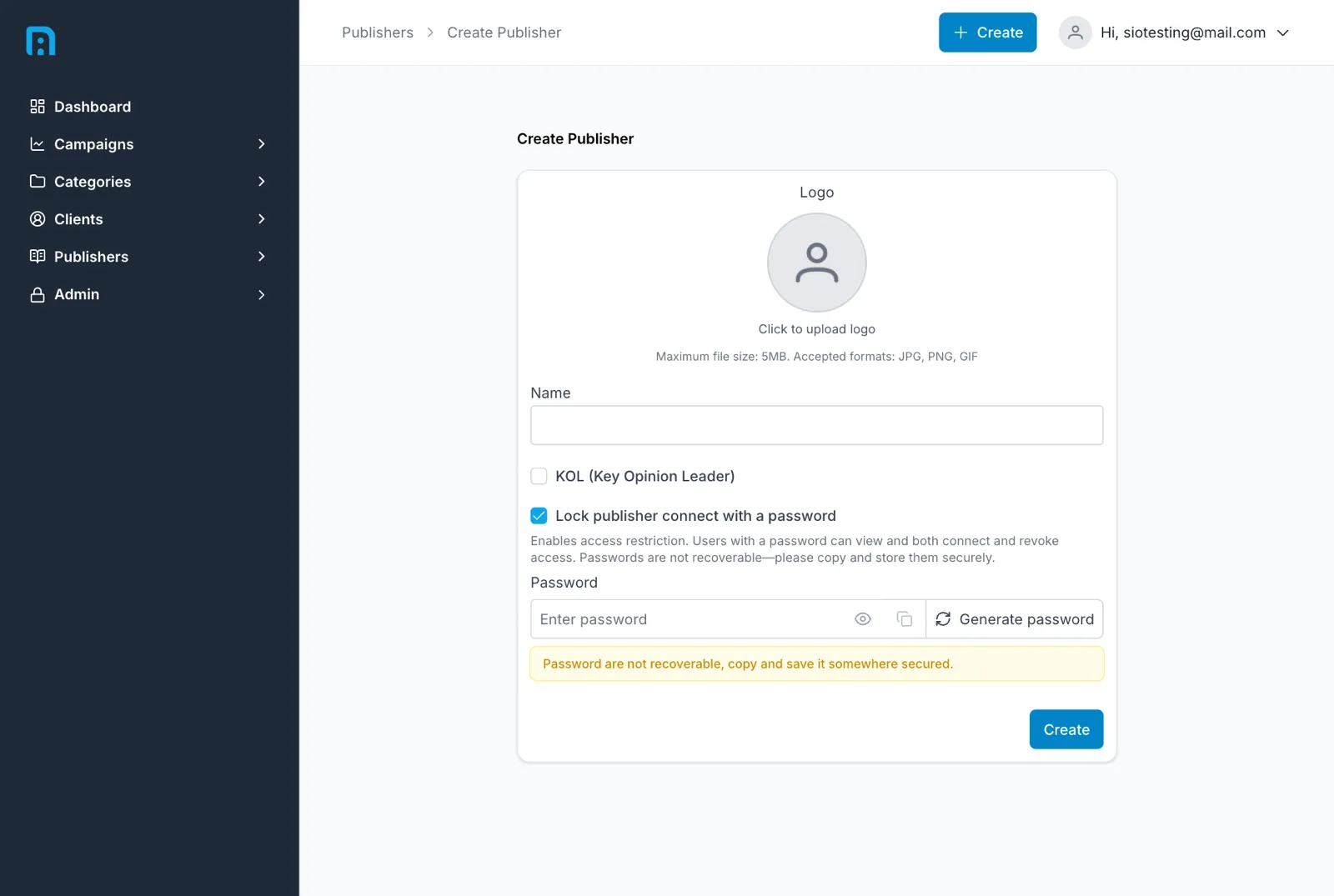
The connect link you send a creator needs no login, so anyone holding the URL can act on it. Setting a password means the creator must also enter that password before they can connect or disconnect anything.
Click Create. You are taken straight to the new publisher’s page.
The publisher page
Section titled “The publisher page”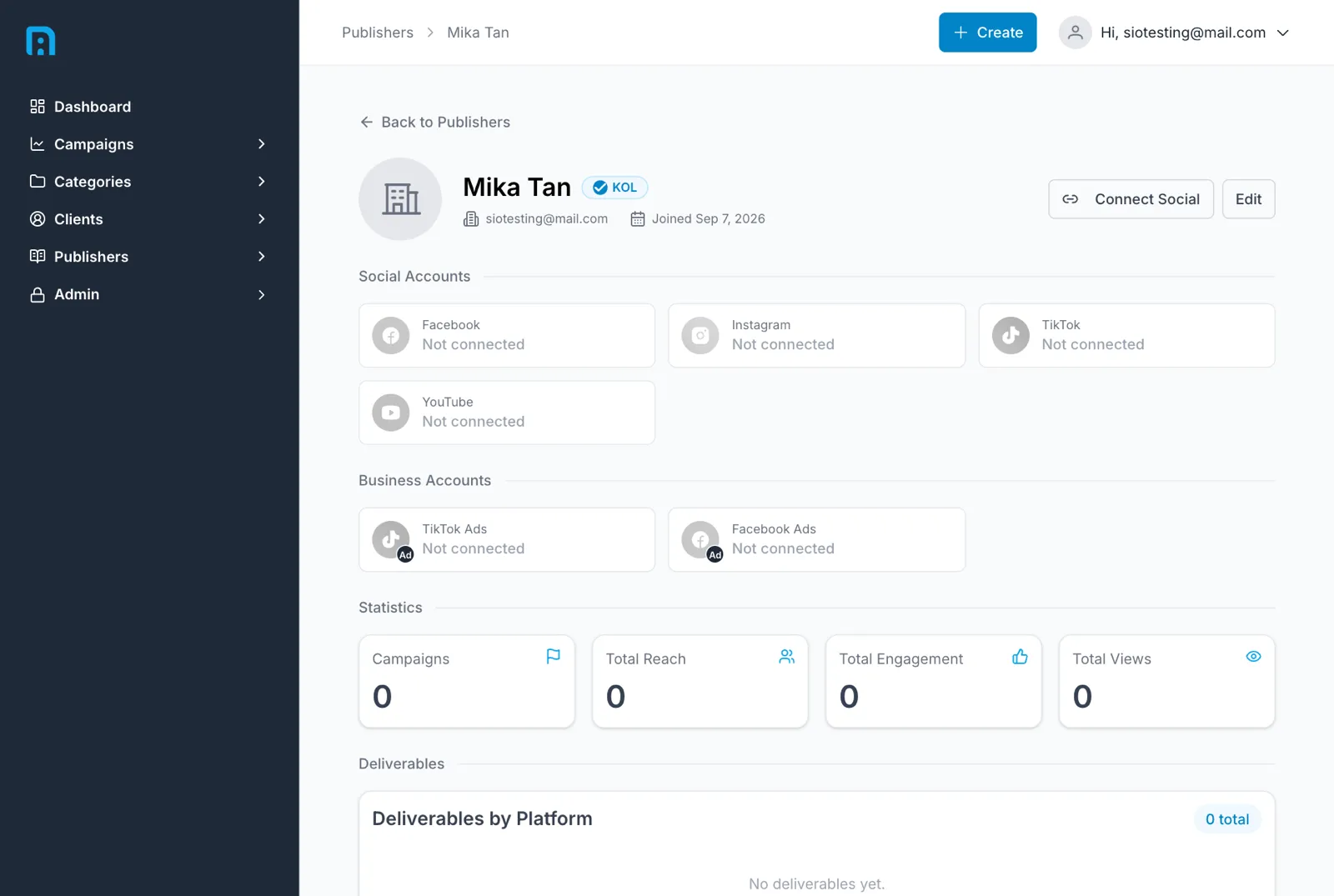
A brand-new publisher has nothing attached: no connected accounts, no statistics, no campaigns. That is expected — everything on this page is derived from work done elsewhere.
Social and business accounts
Section titled “Social and business accounts”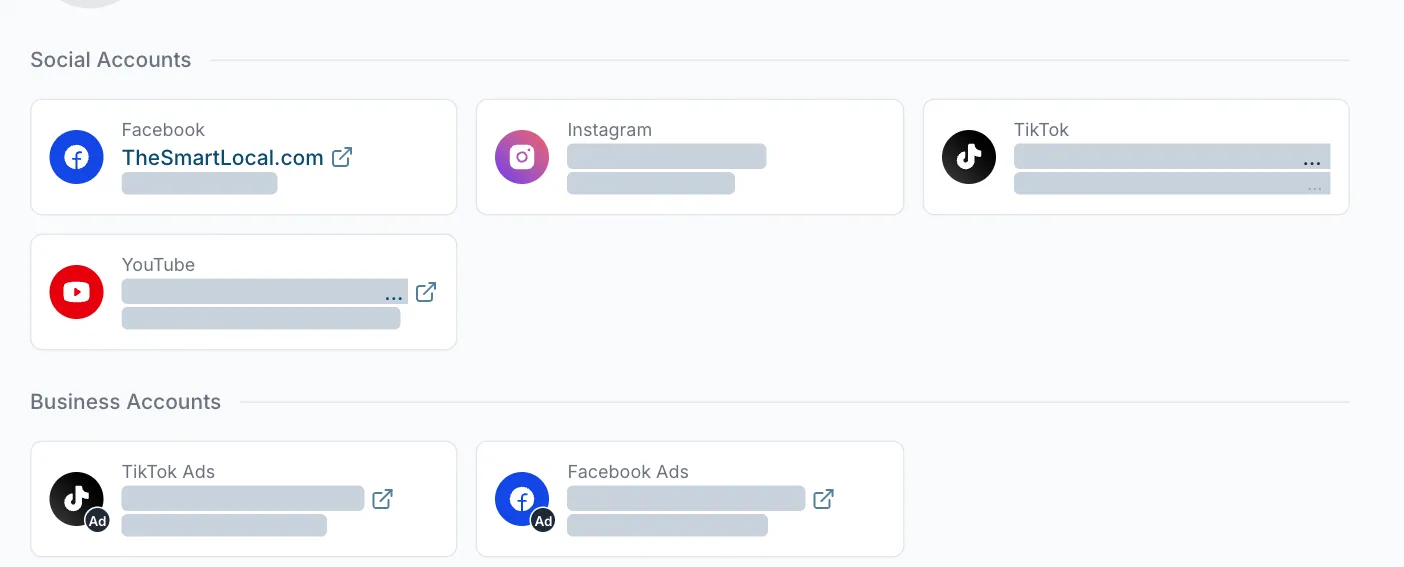
Social Accounts lists each connected platform with the account it points at and its identifier. Business Accounts covers ad-side connections — TikTok Ads and Facebook Ads — which are what boosted-content figures come from.
These are not typed in by hand. They appear once the creator authorises them through the connect flow — use Connect Social on this page to start it. The full walkthrough is in Connecting a publisher’s accounts, with Connecting TikTok for TikTok and TikTok Business.
Statistics
Section titled “Statistics”Campaigns, Total Reach, Total Engagement and Total Views aggregate everything this publisher has done for you, as of the last crawl.
From publisher to deliverables and campaigns
Section titled “From publisher to deliverables and campaigns”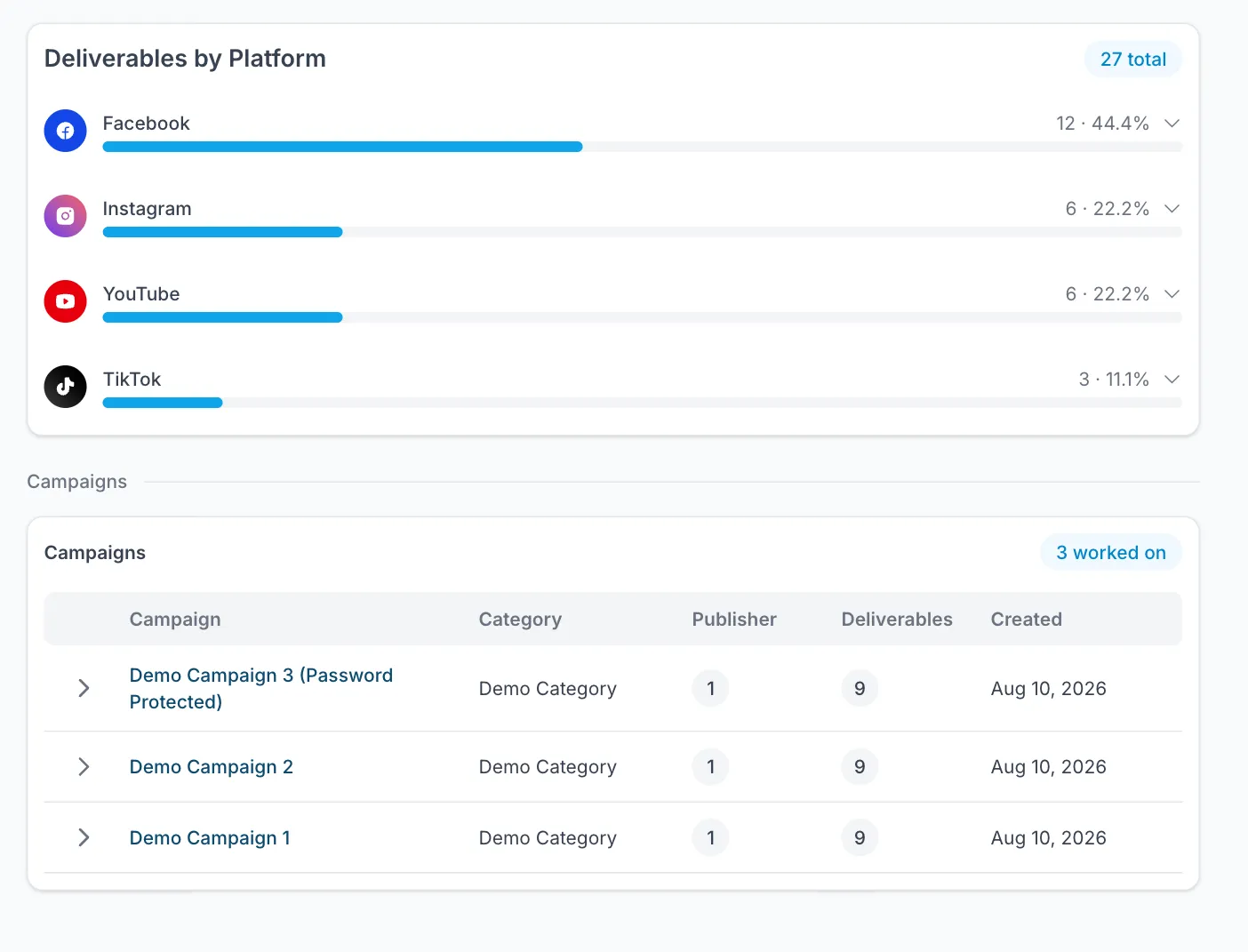
Two panels connect a publisher to the rest of your data:
- Deliverables by Platform — a total, then a bar per platform with a count and a share of the whole (Facebook 12 · 44.4%). Expand a platform to see its deliverables. This is the quickest way to see where a creator’s output actually lands.
- Campaigns — every campaign this publisher has worked on, with its category, publisher count, deliverable count and creation date.
The usual order of work is:
- Create the publisher.
- Connect their accounts — without this, nothing can be crawled.
- Add deliverables to a campaign, attributing each to this publisher.
- Once crawls run, the breakdown and statistics fill in on their own.
Editing a publisher
Section titled “Editing a publisher”Edit on the publisher page changes the name, logo, KOL flag and password lock. Connected accounts are managed separately through Connect Social.
Related
Section titled “Related”- Connecting a publisher’s accounts — Facebook and Instagram
- Connecting TikTok
- Deliverables — what gets attributed to a publisher
- Understanding your data