
Roles and permissions
Roles versus permissions
Section titled “Roles versus permissions”- A role is the label a user carries:
system_admin,company_admin,company_staff, or one you create yourself. - A permission is an individual capability. Roles are built from permissions.
Assigning someone a role is done from Team and users. These screens are about editing the roles and permissions themselves.
Admin → Roles.
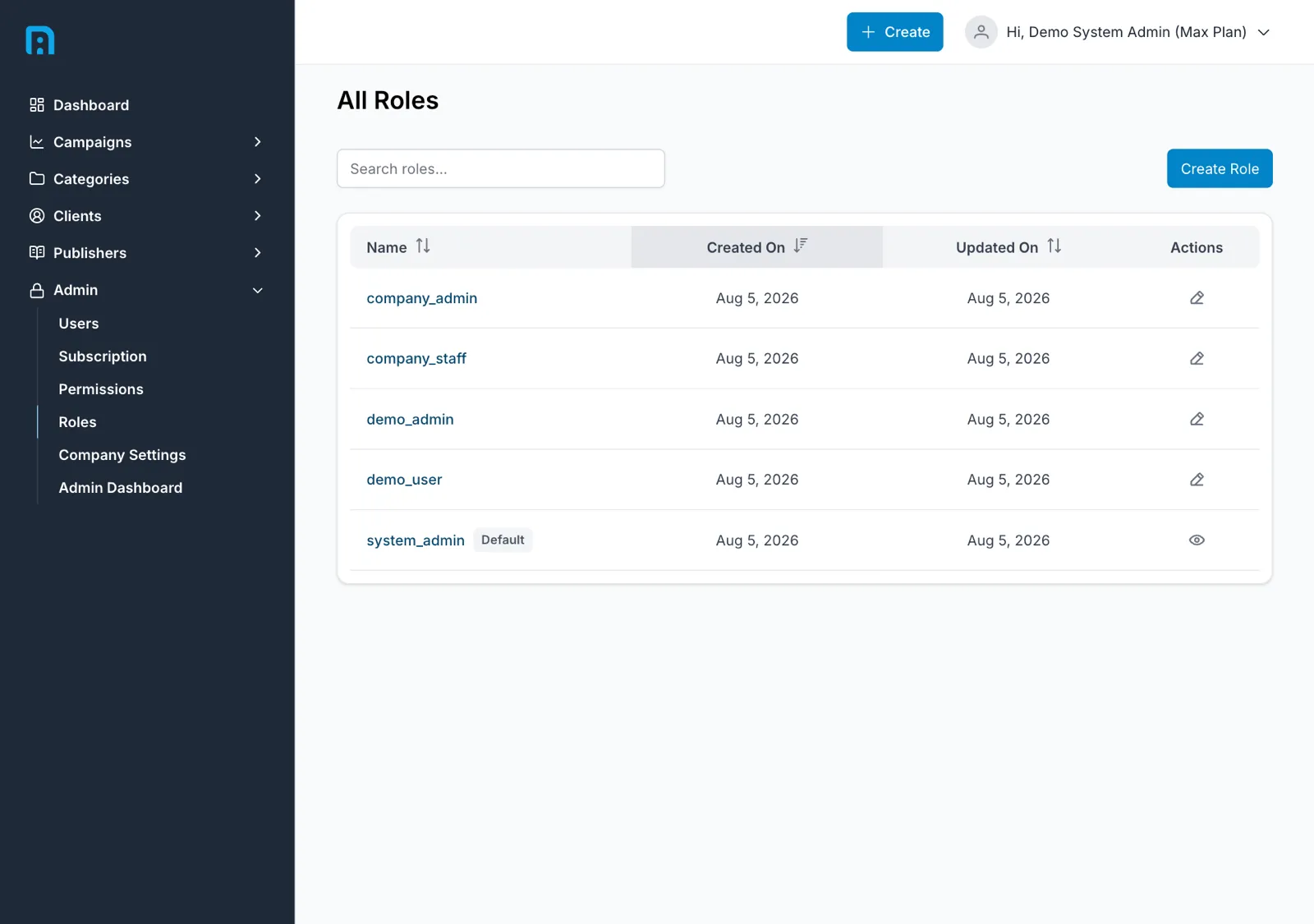
Each role is listed with its Name, Created On and Updated On. Create Role adds a new one.
Roles are scoped to your company. You only ever see and edit your own company’s roles, and another company’s administrator can never reach yours.
You can build your own administrator role
Section titled “You can build your own administrator role”There is nothing magic about the name system_admin. When you create a role you choose its
permissions freely, so you can build a role that holds everything a system administrator holds —
or any subset of it. If your company wants a “Head of Content” or a “Finance” role with a precise
slice of access, create it and grant exactly the permissions it needs.
What you cannot do is change the default system_admin role.
Why system_admin is locked
Section titled “Why system_admin is locked”This is deliberate, and it protects you from a mistake that cannot be undone from inside the product.
Managing roles is itself a permission. If an administrator removed that permission from every role that held it — easily done while tidying up a role’s access — then nobody in the company would be able to edit roles or permissions ever again. The screens that would let you put it back are the very screens you just locked yourself out of. The company would be stuck that way permanently, with no self-service route out.
Freezing the default system_admin guarantees that at least one role always retains the ability to
manage roles and permissions. It is the floor you cannot fall through.
Its name and permission set are a design constant, changeable only by an InsightsRN engineering change, never through the UI.
Deleting roles
Section titled “Deleting roles”Roles cannot be deleted from the app — there is no delete action, for custom roles or default ones. If a role is no longer needed, move its users onto a different role from Team and users and leave it unused.
Permissions
Section titled “Permissions”Admin → Permissions.
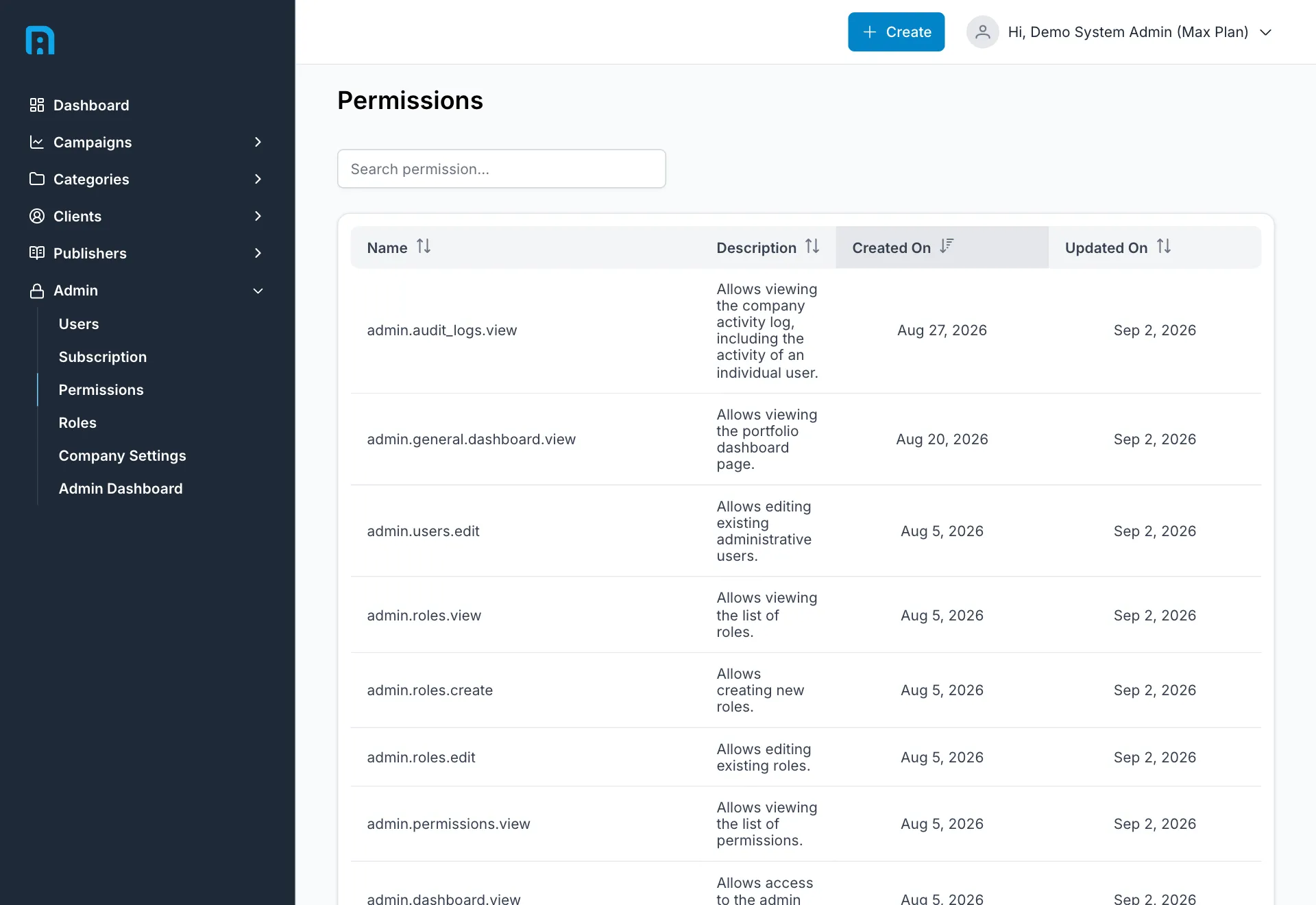
Every permission is listed with a Name and a Description saying what it grants, alongside its created and updated dates. The list is long enough to be paginated.
Related
Section titled “Related”- Team and users — assigning roles to people
- Roles and permissions reference